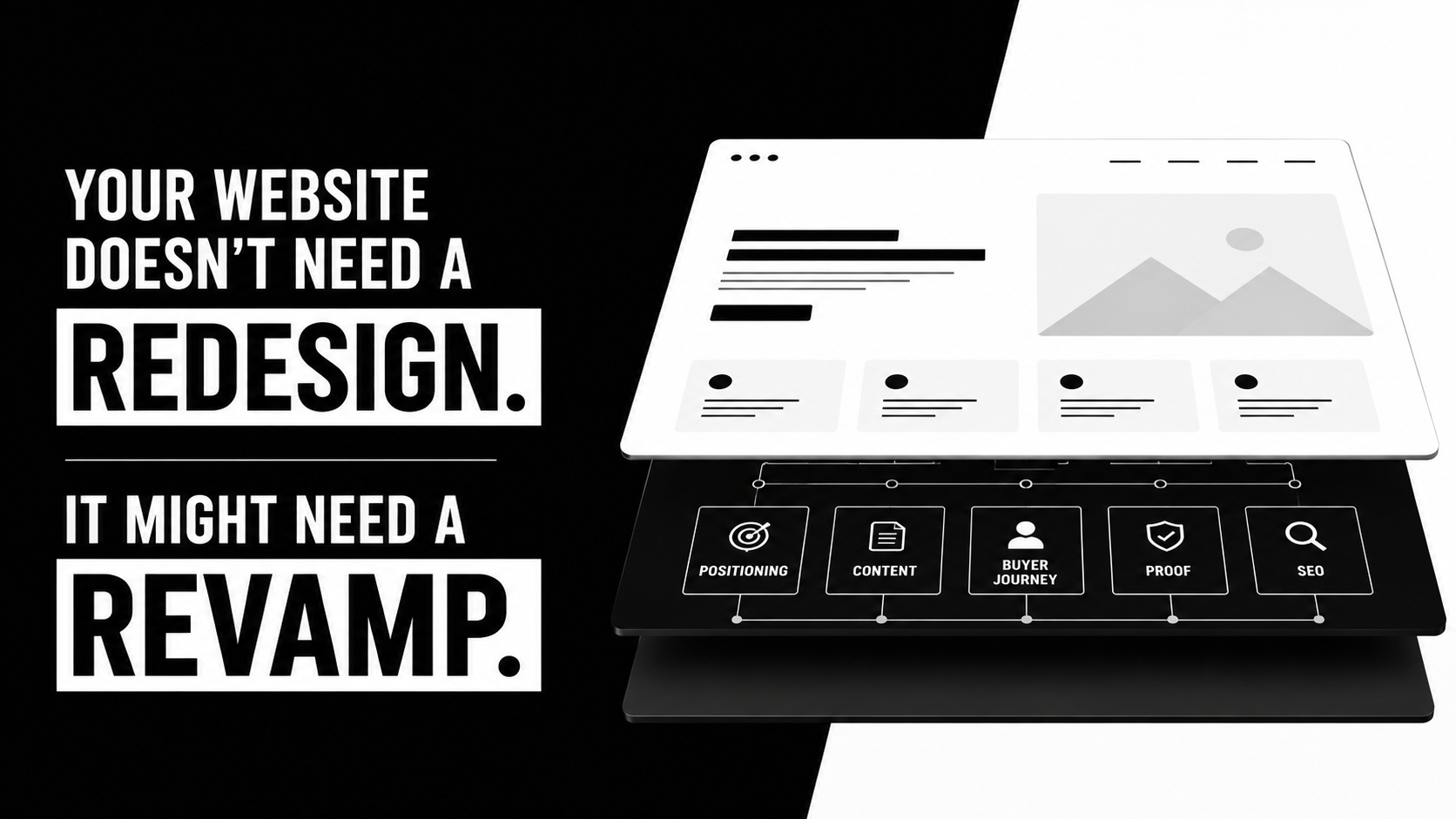
Webflow Website Maintenance: 7 Practices That Keep Your Site Working
Launching a Webflow site is not the end of the work.
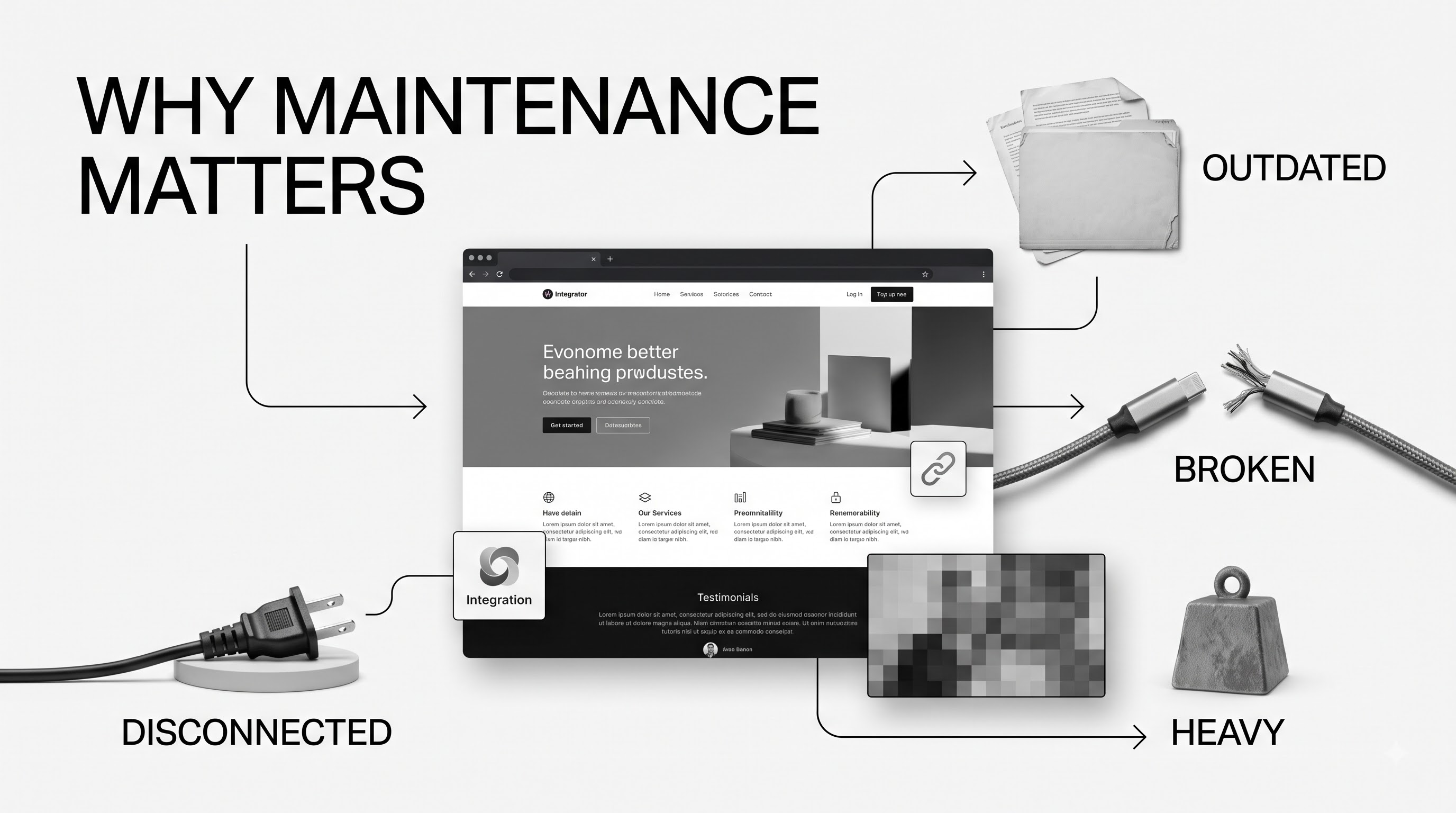
Products change. Positioning shifts. Teams publish new pages. Campaigns add landing pages, scripts, forms and integrations.
Small problems follow.
A form stops routing leads. An old page competes with a new one in search. Someone uploads a huge image. A new landing page breaks the heading structure. An integration fails without anyone noticing.
Webflow maintenance keeps those problems from piling up.
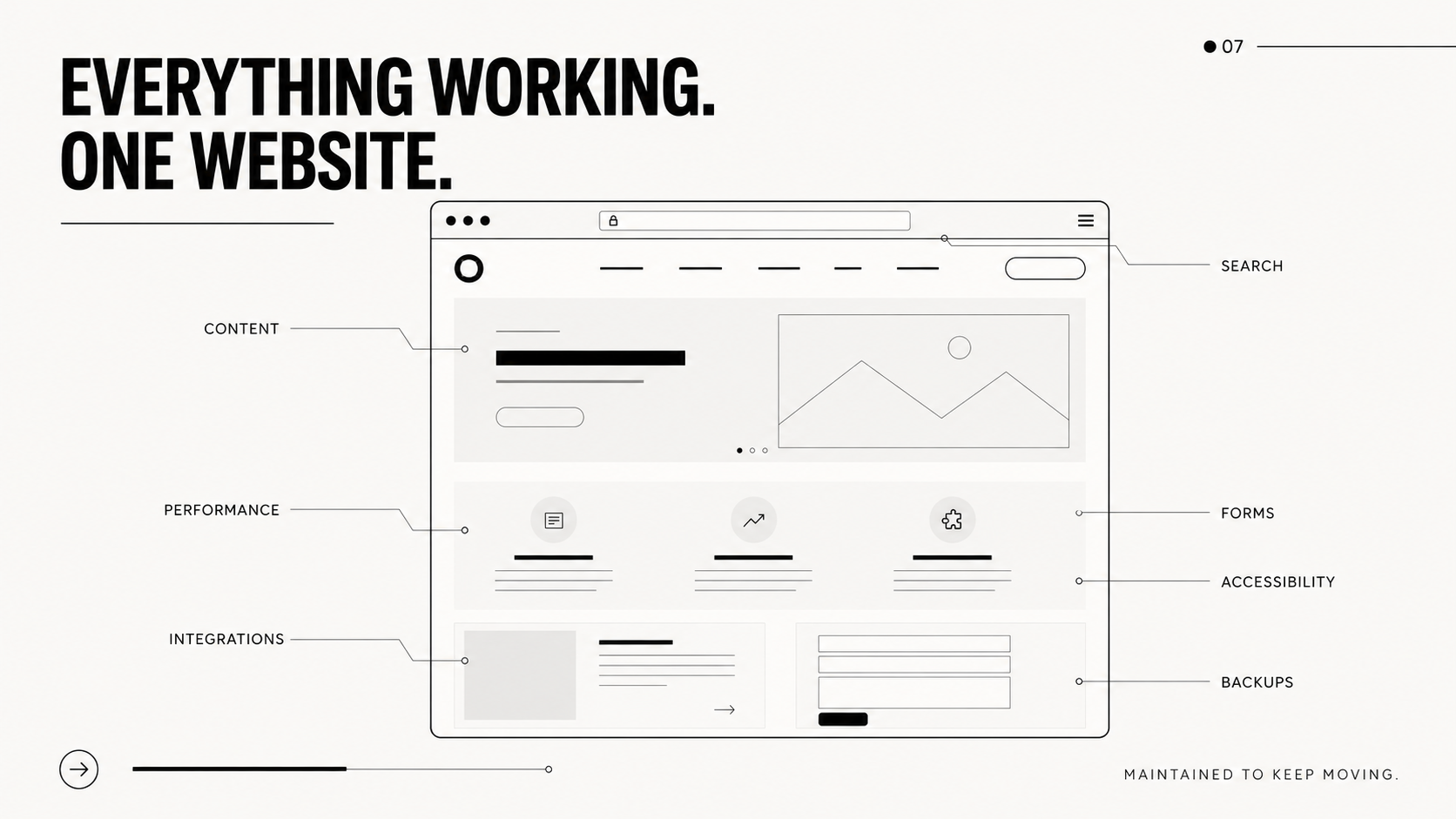
The goal is simple. Keep your website accurate, fast, accessible, discoverable and useful.
Why Webflow websites need maintenance
Webflow removes much of the technical upkeep that comes with traditional CMS platforms. You do not need to manage servers or constantly update plugins.
But Webflow cannot keep your content accurate, your forms connected, your SEO clean or your messaging aligned with the business.
That work still belongs to you.
For a B2B company, the website often sits between interest and action. Prospects use it to understand the product, check your credibility, compare options and decide whether to talk to sales.
A site can work technically and still fail commercially.
Maintenance keeps the website aligned with the company it represents.
1. Keep content accurate
Publishing more content does not fix stale content.
Ask a better question. Can visitors trust what the website says?
Products change fast. Features evolve. Integrations disappear. Customer proof improves. Sales teams find sharper ways to explain the product.
The website often lags behind.
Review the pages closest to a buying decision:
- Homepage
- Product and solution pages
- Industry pages
- Pricing
- Integrations
- Case studies
- FAQs
- High-traffic articles
- Contact and demo pages
Remove outdated claims, screenshots, statistics, duplicated explanations and messaging your team no longer uses.
Do the same with old blog content.
A strong article with existing search visibility may be worth updating instead of replacing with another article on the same topic.
Do not change the publication date and call it a refresh.
Improve the page. Add missing answers. Remove outdated advice. Strengthen examples. Clarify the argument.
2. Maintain SEO and AEO
SEO is not a launch task.
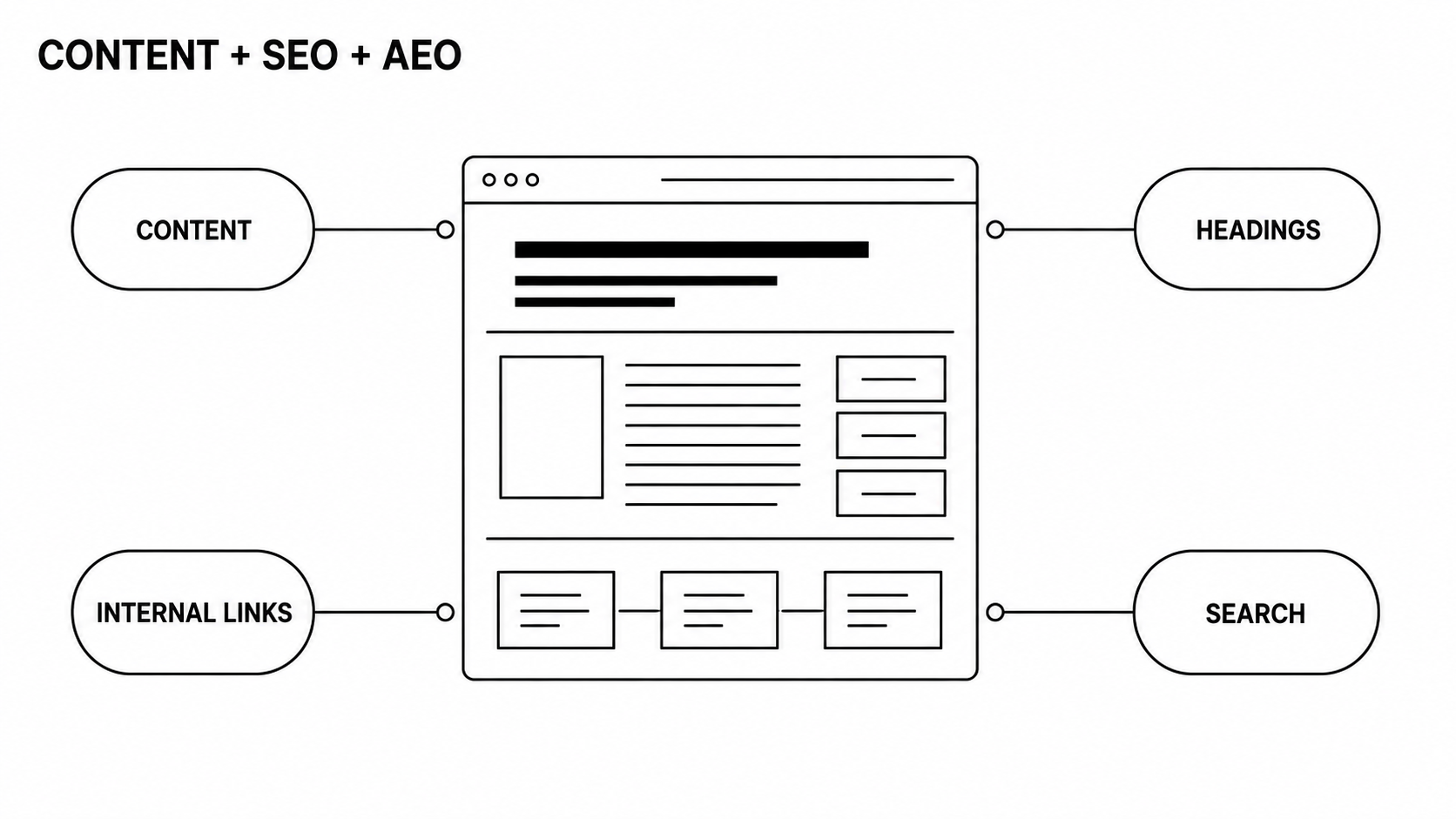
New pages appear. URLs change. Internal links break. Search intent shifts. Two pages start targeting the same topic. Important content gets buried.
AI search adds another layer.
Buyers increasingly use search engines and AI tools to research products, vendors and problems. Your site needs clear answers that both people and machines can understand.
Review:
- Titles and meta descriptions
- Heading structure
- Internal links
- Broken links
- Redirects
- Indexing
- Canonical tags
- Alt text
- Structured data
- Duplicate content
- Competing pages
- Falling search traffic
- High-impression, low-click pages
Technical checks matter. So does the content itself.
A page can have perfect metadata and still say nothing useful.
Look at the questions prospects ask sales. If the best answers live only in sales calls or internal documents, your website has a content gap.
Fix it.
3. Watch performance
Webflow sites can be fast.
Teams can make them slow.
It usually happens one addition at a time. A hero video. Another font. A tracking script. A chat tool. An oversized screenshot. A new animation. Another marketing pixel.
Eventually, the page feels heavier than anyone intended.
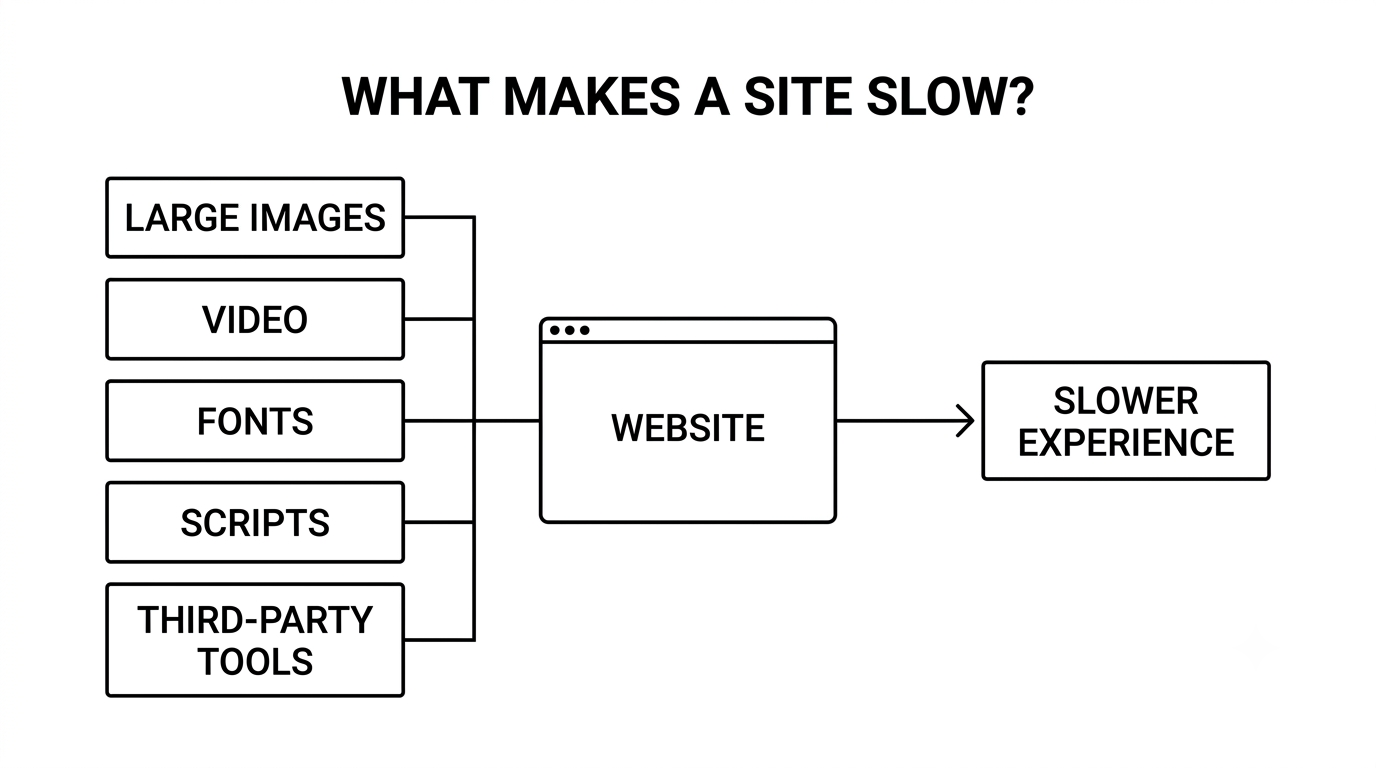
Check:
- Key landing-page speed
- Large images
- Video files
- Fonts and font weights
- Third-party scripts
- Tracking tools
- Embedded software
- Custom code
- Animations
- Heavy CMS pages
Test performance after major marketing changes.
Do not assume one more script will not matter.
Speed is part of the experience. A strong case study means little if the page takes too long to become usable.
4. Test conversion paths
Some of the most expensive website failures are invisible.
The page looks fine. The lead never reaches sales.
B2B websites often depend on systems outside Webflow. Forms connect to CRMs. Demo requests trigger automations. Calendars use third-party tools. Analytics track conversion events.
Every connection can fail.
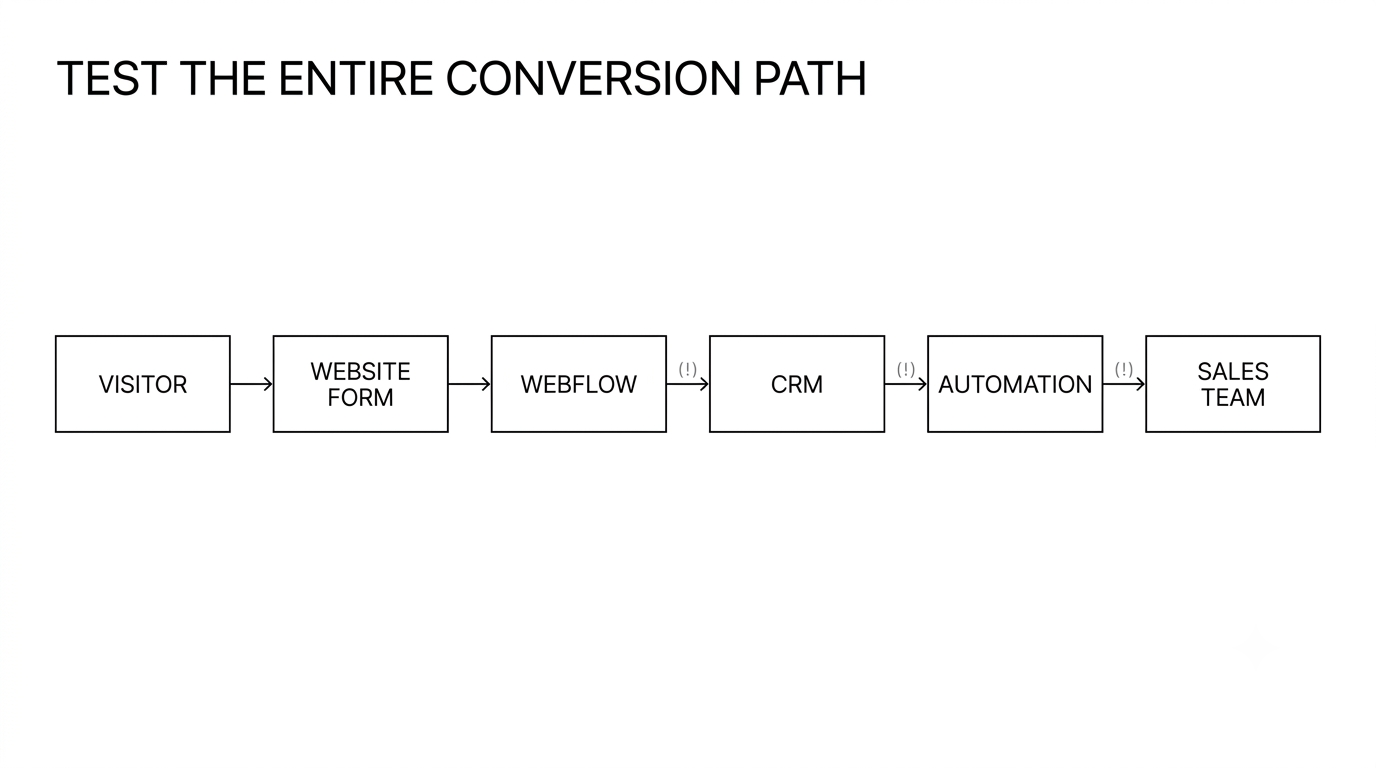
Test important journeys from start to finish.
Do not just click the button. Submit the form. Check where the data goes. Confirm the right fields arrive. Verify notifications. Check the thank-you state. Test mobile.
Include:
- CRM integrations
- Scheduling tools
- Newsletter forms
- Marketing automation
- Analytics events
- Customer portals
- Site search
- Calculators
- Interactive tools
- Embedded products
- Consent systems
If a website function affects revenue, someone should own it.
5. Keep accessibility in the publishing process
Accessibility problems often enter after launch.
A writer skips heading levels. An image goes live without alt text. New colors reduce contrast. An interaction works with a mouse but not a keyboard.
Build accessibility into publishing.
Check:
- Heading hierarchy
- Link and button labels
- Alt text
- Decorative images
- Color contrast
- Keyboard navigation
- Form labels
- Error messages
- Hover-only interactions
- New components
Automated audits catch some problems.
They do not catch all of them.
Accessibility still requires judgment and manual testing.
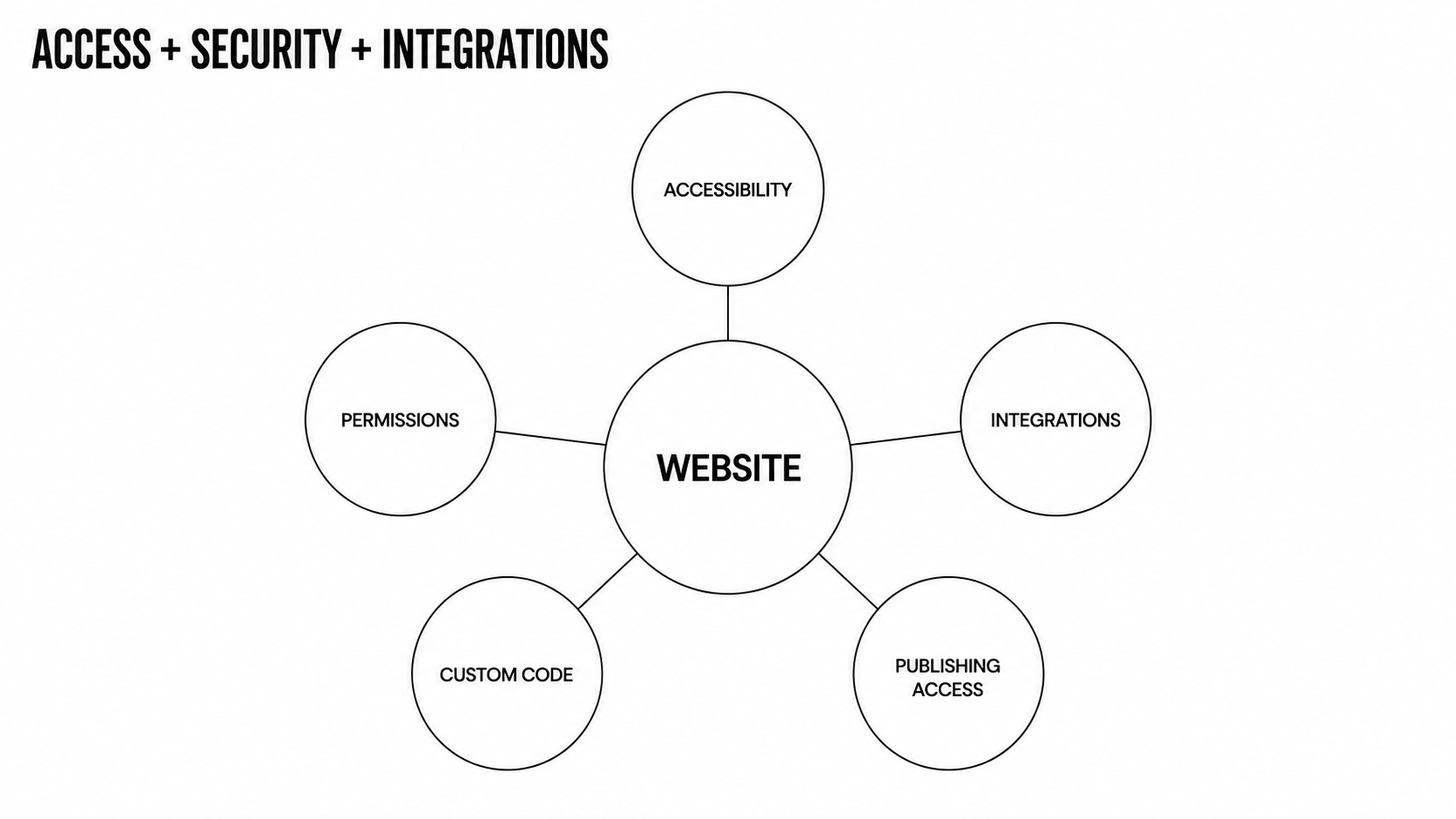
6. Review access, security and integrations
Webflow handles much of the underlying platform security.
Your team still controls who can access the site and what connects to it.
Review:
- Workspace permissions
- Former employees and contractors
- Publishing access
- Third-party integrations
- API credentials
- Custom scripts
- Analytics tags
- Advertising pixels
- Form destinations
- Domain ownership
- DNS access
- Consent tools
Pay close attention to third-party software.
Webflow may not rely on a traditional plugin stack, but B2B sites still accumulate external tools.
Document each one.
What does it do? Who owns it? What breaks if it fails?
If nobody can answer those questions, you have a maintenance problem.
7. Use backups and control changes
Backups matter when something breaks.
Create restore points before:
- Major design changes
- CMS restructuring
- Custom-code updates
- Large publishing changes
- Integration work
For larger sites, control how changes reach production.
A simple process works: plan, build, review, test, back up, publish, then verify.
Document higher-risk changes.
Months later, your team should know why a redirect exists, why a component behaves differently, or which integration depends on a piece of custom code.
Clean development saves future teams from detective work.
A simple Webflow maintenance schedule
Not every task needs the same frequency.
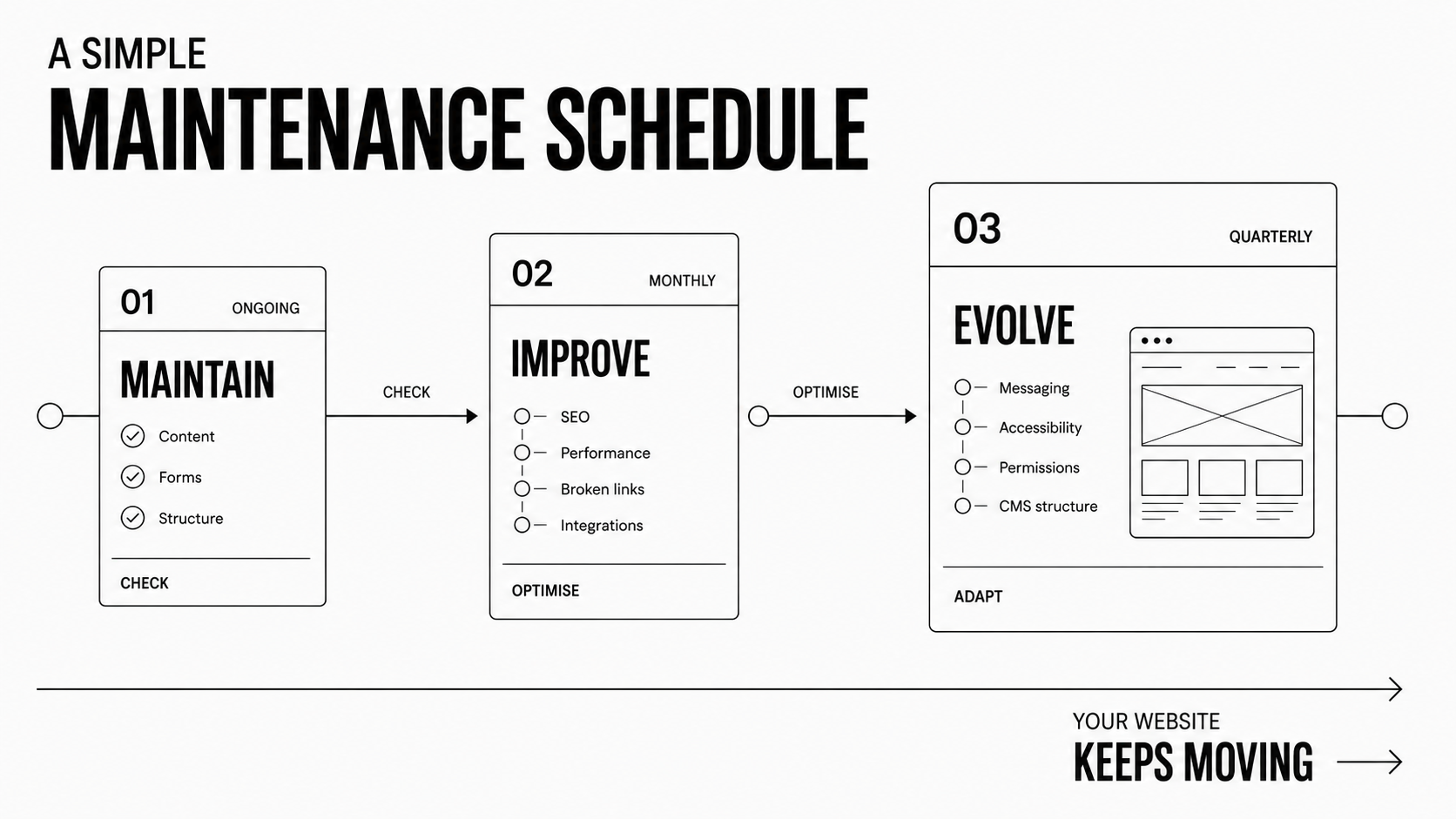
Ongoing
Review new content before publishing. Test forms after changes. Keep page structure consistent. Fix obvious errors quickly.
Monthly
Check forms, broken links, search visibility, indexing, performance, integrations and key content.
Quarterly
Review messaging, older content, accessibility, permissions, scripts, CMS structure, SEO and site performance.
Then ask one question. What should the website do now that it could not do three months ago?
Maybe marketing needs better landing-page templates. Sales may need an assessment or calculator. Publishing may be too slow. Search visibility may need work. A repetitive process may be ready for automation.
Maintenance should not only preserve the website. It should improve it.
Webflow maintenance is growth work
Poor maintenance keeps a website alive.
Good maintenance keeps it useful.
The defensive work matters. Fix broken forms, dead links, accessibility issues, slow pages and failed integrations.
But maintenance should also improve the site as the company changes.
Sharper messaging. Better search visibility. Stronger conversion paths. Cleaner systems. More useful tools.
That is how Envizn Labs approaches post-launch work. The website is a business asset, not a finished design file. As needs change, the work can expand into Webflow development, SEO and AEO, automation, product work or ongoing site management.
Your company will keep moving.
Your website should too.
Webflow website maintenance FAQs
Does a Webflow website need maintenance?
Yes.
Webflow manages much of the underlying platform infrastructure. Your team still needs to maintain content, SEO, accessibility, performance, integrations, permissions, forms and custom functionality.
How often should a Webflow site be maintained?
Check critical functions whenever the site changes. Review forms, performance, search and integrations monthly. Run broader content, accessibility and structural reviews periodically.
High-traffic sites need more frequent attention.
What should Webflow maintenance include?
Content updates, SEO, AEO, performance, broken links, accessibility, forms, integrations, analytics, permissions, custom code, backups and UX improvements.
Can an internal marketing team maintain Webflow?
Often, yes.
A well-built Webflow site should let marketing teams handle routine content changes without relying on developers for every edit.
Complex development, integrations, structural changes, technical SEO and performance work may still need specialist support.
The goal is not unlimited freedom. It is controlled flexibility.


Turn Your Vision into a Scalable Digital Experience
From brand to backend, we create systems and experiences that actually move the needle.

B2B Branding Strategies: 5 Ways to Build a Brand Buyers Remember
10 Best Landing Page Design Patterns for B2B Tech in 2026